Play Tongits Offline: How To Play Without Internet (Complete Guide)
.jpg)
"Tongits offline" means playing the classic Filipino card game on your phone or tablet without needing WiFi or mobile data. You play against AI opponents built into the app, so every feature of the game — dealing, melding, fighting, and winning — works exactly the same as it would in a live game. Whether you are on a long jeepney ride, sitting in a waiting room with no signal, or just want to play Tongits without using data, this mode is completely free and available on Android and iOS.
This complete guide explains what Tongits offline is, how to download and set it up, how the game works for new players, which apps work best, and tips for getting better without real opponents.
What Is Tongits?
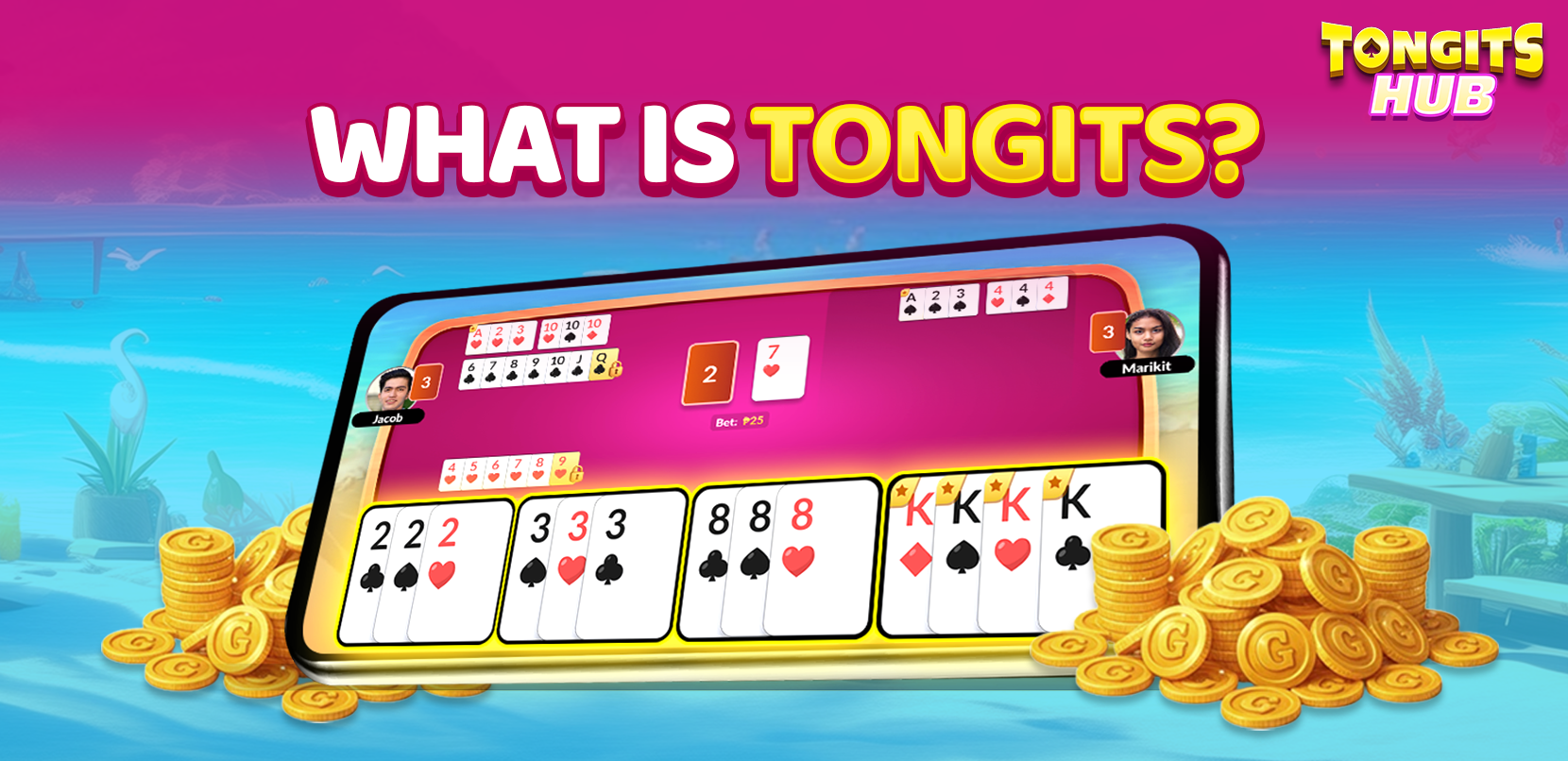
Tongits (also written as Tong-its or Tung-it) is a three-player rummy-style card game that is hugely popular in the Philippines, especially in the northern regions. It uses a standard 52-card deck. Each player is dealt 12 cards and the dealer receives 13. The goal is to either empty your hand completely — which wins you the round instantly — or to have the lowest total point value when the draw pile runs out.
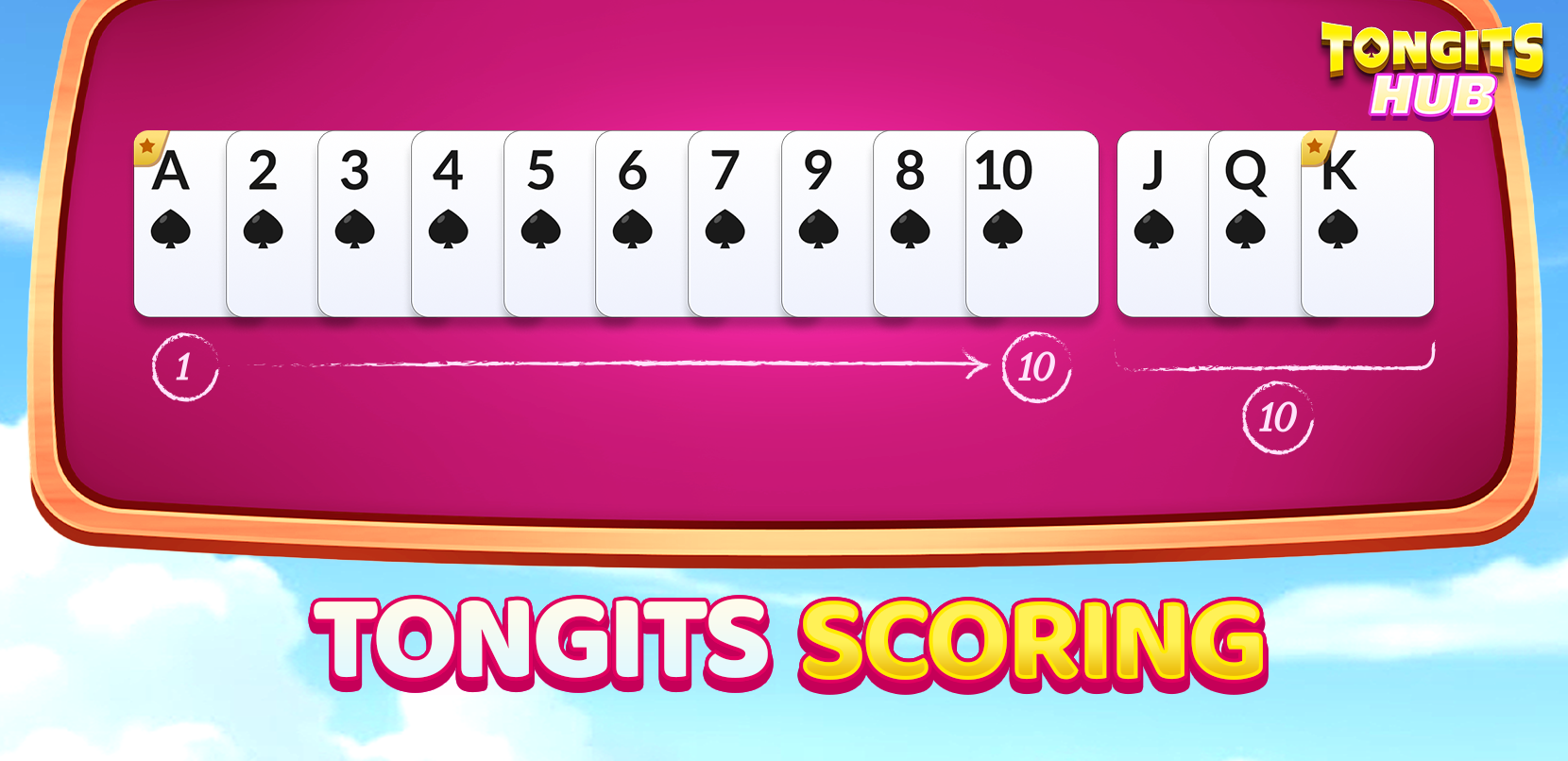
Points are calculated from unmelded cards left in your hand:
- Face cards (J, Q, K) = 10 points each
- Aces = 1 point
- Number cards = face value
Lower is better. The player with the fewest points at the end of a round wins.
How Tongits Offline Works
When you play Tongits offline, the app replaces the two human opponents with AI bots. The bots are programmed to follow the same rules you would play against in person — they draw, meld, Sapaw, and call "Fight" just like real players. The quality of the AI varies between apps. Some are quite predictable at lower difficulty settings; others, especially at higher levels, make decisions that feel closer to real human play.
No internet connection is required at any point once the app is downloaded. You can enjoy an offline Tongits game on a plane, on the MRT, in the province, or anywhere else. The only time you need internet is for the initial download and for optional features like leaderboards, daily bonuses, or in-app purchases — and none of those are required to actually play.
The Basic Rules of Tongits
Understanding the basic rules makes the game much more enjoyable, especially when you are learning how to play Tongits offline for the first time. Every rule in an offline Tongits game is identical to the live version.
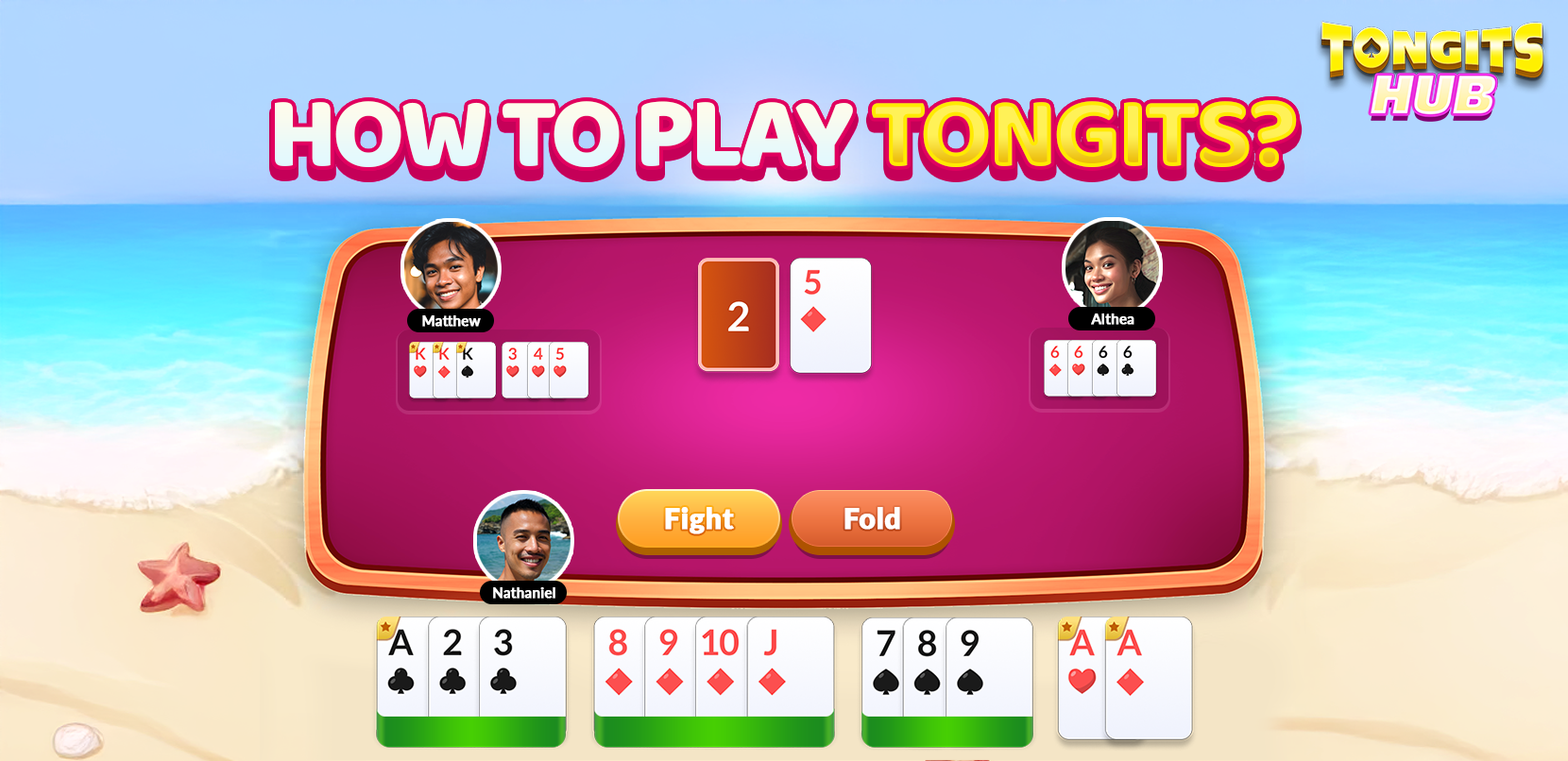
- Draw and discard: On your turn, draw a card from the deck or the discard pile. At the end of your turn, discard one card face-up onto the discard pile.
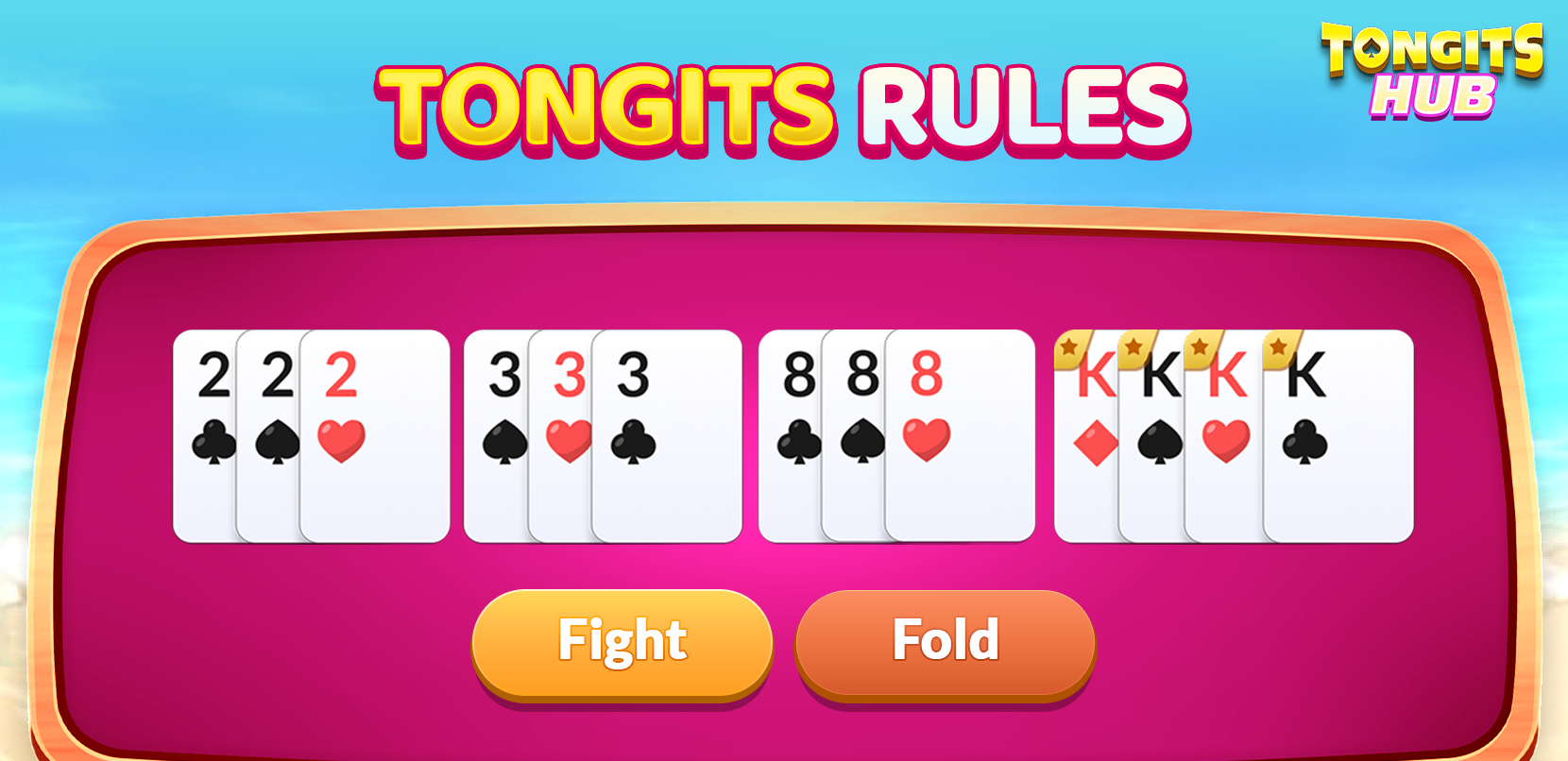
- Form melds (bahay/buo): Lay down sets of three or more cards of the same rank (e.g., three 7s) or runs of three or more consecutive cards of the same suit (e.g., 4, 5, 6 of hearts).
- Sapaw: Add cards to existing melds on the table — yours or another player's. This reduces your hand count and your score.
- Call Fight: If you believe you have the lowest score, call Fight. All players reveal their remaining cards. The player with the lowest score wins the round.
- Tongits: If you play your last card, declare Tongits and win the round immediately. This is the strongest possible win.
- Burn: If you call Fight and your opponent has a lower score, you are "burned" — your opponent wins, and you lose your bet.
How to Get Started: Download and Setup
Getting started takes less than five minutes. Here is the basic process for Android devices, which is where most Filipino players access it.
Open the Google Play Store and search for "Tongits Offline". Several apps will appear — among the most downloaded are Tongits Offline by Greenleaf Game, Tongits Plus by Emperor Ace Studios, and Tongits Lite Offline. All three are free to download and play, require no registration or account to start, and work without internet once installed.
After installation, open the app and tap Play. Most Tongits offline apps place you in a Beginner Room by default, where the AI plays at a slower and more forgiving level. Start here regardless of your experience — it gives you time to learn the interface and card controls before the bots become more aggressive.
Which App Should You Use?
Tongits Offline by Greenleaf Game is one of the most downloaded apps. It delivers a solid offline Tongits game experience with a clean interface, daily bonus coins, and multiple rooms including Beginner, Hitpot, and Extra Hitpot. Good choice for casual players who want a straightforward experience.
Tongits Plus by Emperor Ace Studios adds a multiplayer mode via local WiFi hotspot — so if you and a friend are in the same room, you can create a table and play without mobile data. It also has Pusoy as an additional game. This app suits players who want solo AI play most of the time but occasionally want to play against real people on a local network.
Tongits Lite Offline is a lighter-weight version designed for older or lower-spec Android phones. If the other apps run slowly on your device, this is the one to try. It has adjustable difficulty from easy to expert, and the file size is small enough that even devices with limited storage can run it smoothly.
Tips for Playing Tongits Offline
Playing against AI is different from playing against people, but it still builds real skills. These habits help whether you are enjoying a casual offline Tongits game for fun or practising for eventual online or in-person play.
- Prioritise melds early: Try to form at least one set or run in your first few turns. Holding too many unmelded cards leaves you vulnerable if an opponent calls Fight early.
- Watch the discard pile: Pay attention to what has been discarded. If three cards of the same rank have been discarded, you cannot form a set of four of them — adjust your strategy accordingly.
- Do not rush to call Fight: Call Fight only when your unmelded card total is very low — ideally under 10 points. Calling "Fight" with a high score risks being burned.
- Sapaw strategically: Adding cards to an opponent's meld reduces your hand but also prevents them from calling Fight on their next turn. Use Sapaw timing as a defensive move when you think an opponent is close to calling.
- Use the Beginner Room to learn: If you are new, spend your first 10 to 15 games in the Beginner Room. The AI plays slowly and makes more mistakes, giving you time to develop your read on the game before moving up.
Can You Really Improve Playing Offline?
Yes — with some important caveats. Playing Tongits offline against AI teaches the rules, the flow of the game, and the basic decision points: when to draw from the pile versus the discard, when to lay melds, when to Sapaw, and when to call Fight. These fundamentals carry directly into real games. Many players use the offline Tongits game mode specifically to practise new strategies risk-free before testing them in online matches.
What AI play cannot fully replicate is the psychological side of the game — reading opponents, bluffing through discard choices, and managing the pressure of real stakes. For that side of Tongits, you eventually need to move to online play or in-person games. But for building a solid mechanical foundation, regular offline practice is a genuinely effective way to improve.
Frequently Asked Questions
Is playing Tongits offline completely free? Yes. Most apps are free to download and play. Some offer optional in-app purchases for coins or cosmetic items, but none require payment to play the core game. You can play unlimited rounds without spending anything.
Do I need to create an account to play offline? No. Most apps let you play immediately without creating an account or logging in. Account registration is typically only required if you want to access leaderboards, cloud save features, or multiplayer modes.
Can I play Tongits offline on my iPhone? Yes. Several Tongits offline apps are available on the Apple App Store. The game mechanics are identical to Android versions. Search for "Tongits Offline" in the App Store to find current options.
What happens to my coins if I close the app mid-game? Most apps save your coin balance automatically. If you close mid-round, you may lose the coins from that specific round depending on the app, but your total balance is typically preserved. Check the specific app's save behaviour when you first install it.
Is the AI in Tongits offline apps like a real player? At higher difficulty settings, the AI can feel close to a cautious human player. At beginner settings, it makes deliberate mistakes to keep the game accessible. No AI perfectly replicates the range of human strategies, but for learning and practising card management, the bots in good apps are more than adequate.